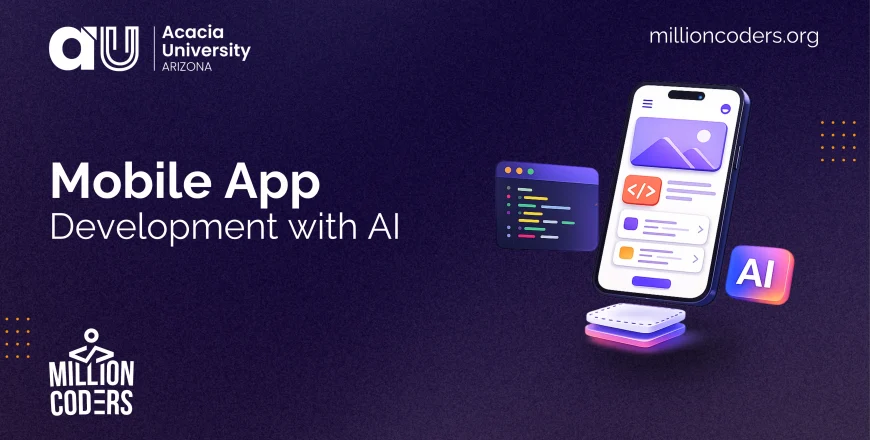
Mobile App Development with AI

- Description
- Curriculum
A phone app is one of the most exciting things you can build: it lives in someone’s pocket, uses the camera and location, and can reach millions through the app stores. With AI assistance and cross-platform tools, you can build for both iPhone and Android from a single description, without years of specialised study. This course shows you how.
Mobile App Development with AI teaches you to think and build like a mobile maker. You will learn how mobile differs from the web, design your app as a set of screens with clear navigation, use device features like the camera, location and notifications respectfully, test properly on a real phone, and prepare a publish-ready app for the App Store and Google Play. You finish by planning a small mobile app of your own.
This is conceptual and practical, taught in plain language with clear diagrams, and it is tool-agnostic. It builds on the web-app ideas, so a little building experience helps. Each module blends a short video overview, illustrated lessons, a knowledge-check quiz, and a hands-on interactive activity.
What you will be able to do:
- Explain how mobile apps differ from the web, and how they are built.
- Design an app as screens with a clear navigation pattern.
- Use device features like camera, location and notifications, and ask permission well.
- Test a mobile app properly on a real device, not just an emulator.
- Understand what the app stores require to publish.
- Plan a small, publish-ready mobile app of your own.
Who it is for: Builders who have made a web app or simple project with AI and want to create real mobile apps for phones.
Course outline: Orientation · Mobile Foundations · Screens and Navigation · Using Device Features · Testing on a Real Phone · Capstone: A Publish-Ready App.